
Top-up & withdrawal tutorial
U2 Casino Malaysia supports multiple deposit and withdrawal methods for Malaysian players. Each tile below maps to a specific funding or cash-out method: FPX online banking, e-wallets (Touch'n Go, GrabPay), bank transfer, and USDT where available. Open the matching guide to see step-by-step screenshots, required fields, submission order, and typical MYR processing times. Before making a deposit on U2 Casino, confirm the receiver details and keep proof of payment. For withdrawals, ensure your account verification and wagering turnover requirements are completed first, then follow the exact steps to reduce delay or rejection. All U2 Casino Malaysia transactions are tracked in your MYR wallet history.
TOPUP GUIDELINE

U2 USDT top up
STEP 1: Select the USDT rail shown in the app
STEP 2: Enter amount and wallet details carefully
STEP 3: Complete the chain transfer and submit proof
MYR instant top up (channel 1)
STEP 1: Choose MYR instant if available
STEP 2: Enter the deposit amount
STEP 3: Follow the bank transfer instructions on screen
U2 instant top up (e-wallet)
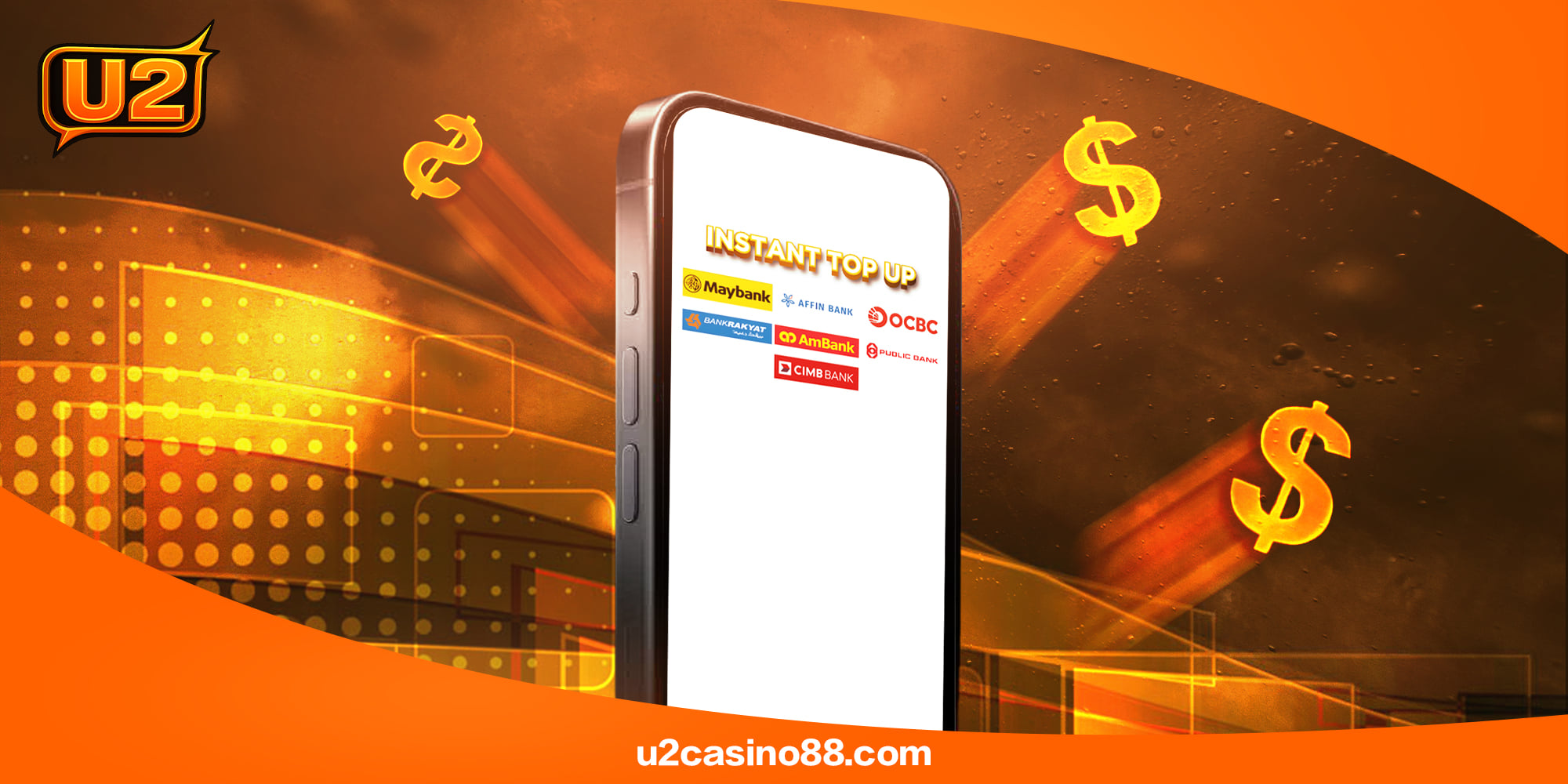
STEP 1: Pick your e-wallet brand
STEP 2: Enter the top-up amount
STEP 3: Confirm inside the wallet app
U2 instant top up (washing points)
STEP 1: Open the washing points module
STEP 2: Select the amount to convert
STEP 3: Confirm the transaction
STEP 4: Wait for backend review
STEP 5: Balance updates when approved
U2 bank transfer top up
STEP 1: Copy the displayed bank details
STEP 2: Transfer from your own bank
STEP 3: Upload the transfer slip
STEP 4: Wait for finance verification
STEP 5: Credits post after approval
WITHDRAWAL GUIDELINE
HOW TO WITHDRAW?
STEP 1: Log in to your U2 account
STEP 2: Open the withdrawal screen
STEP 3: Choose an approved method
STEP 4: Enter amount and verified bank info
STEP 5: Submit and track status in history